
Step-by-Step Installation Guide
Follow these simple steps to install the app on your Firestick device.
1
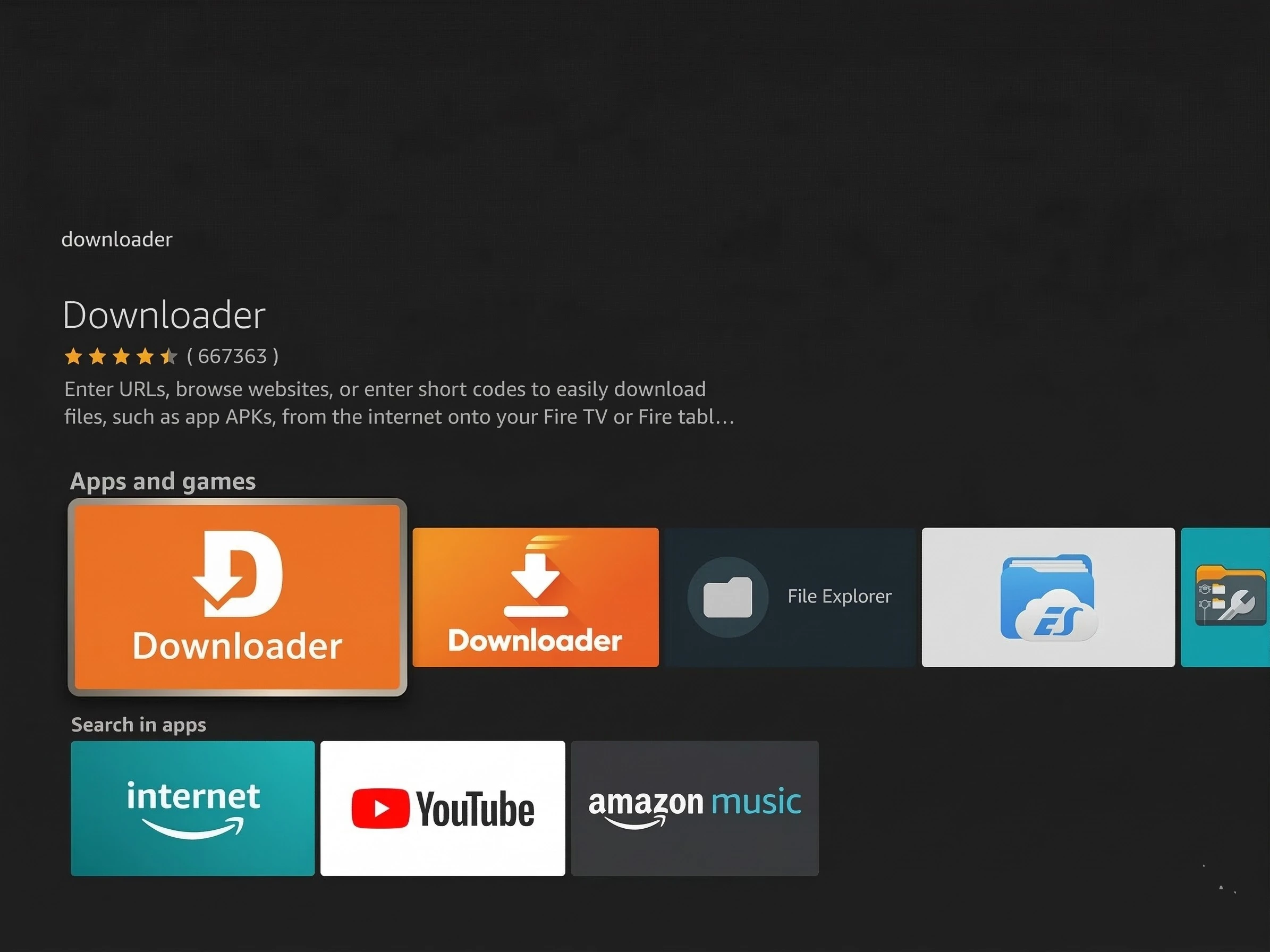
Install Downloader
Go to the Find/Search icon on the Firestick home screen, type "Downloader," and download the app.
2
Enable Unknown Sources
Navigate to Settings (gear icon) > My Fire TV. Select Developer Options. Click Install unknown apps and turn it on for Downloader.
Note: If Developer Options is hidden, go to Settings > My Fire TV > About and click your Firestick name 7 times.
3
Download and Install App
Open Downloader and allow permissions. Enter the code 8548945 in the URL bar and click Go. Once downloaded, select Install. After installation, select Done, then Delete to remove the installation file and save space.